
Translate text on your Mac.
Without leaving the app.
A menu bar app that translates on-device. Hit a shortcut from any app, get results privately. Nothing leaves the machine.

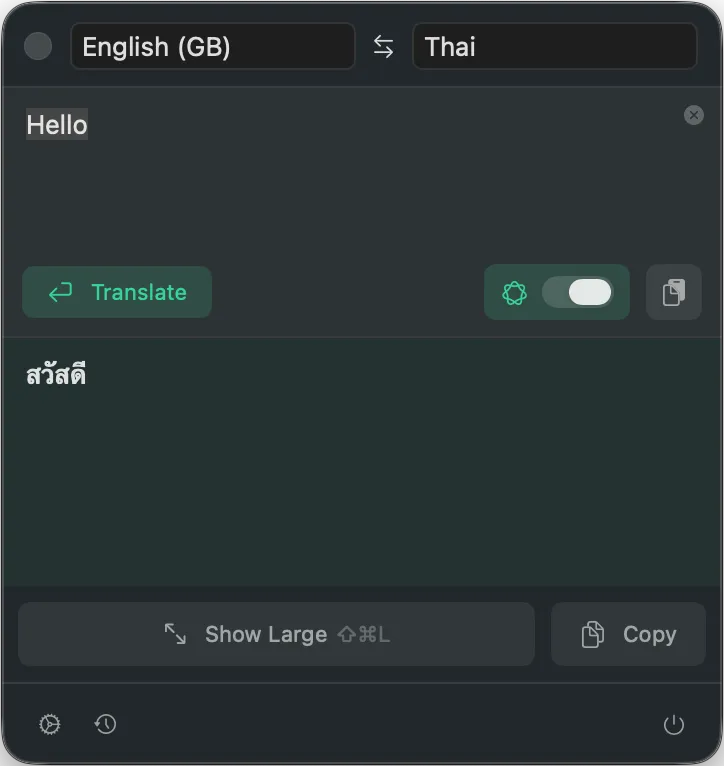
Type. Translate. Present.
That's it. No accounts, no cloud, no ongoing internet. Just works.
Open Plae
Hit Cmd+Shift+T from any app. Plae pops up from the menu bar.
Translate the message
Type a message, hit Enter. Translation happens right on the Mac.
Show it to someone
Tap the present button and the translation goes full-screen. Big enough for anyone to read.

Full-screen presentation mode
Translation engines
Works however the Mac is set up
Pick the engine that fits. Each one runs entirely on-device.
Apple Translation
The one that just works. Uses the same translation built into macOS. Fast, accurate, and already there.
- 19 languages, native-quality results
- Translates in under a second
- No setup needed
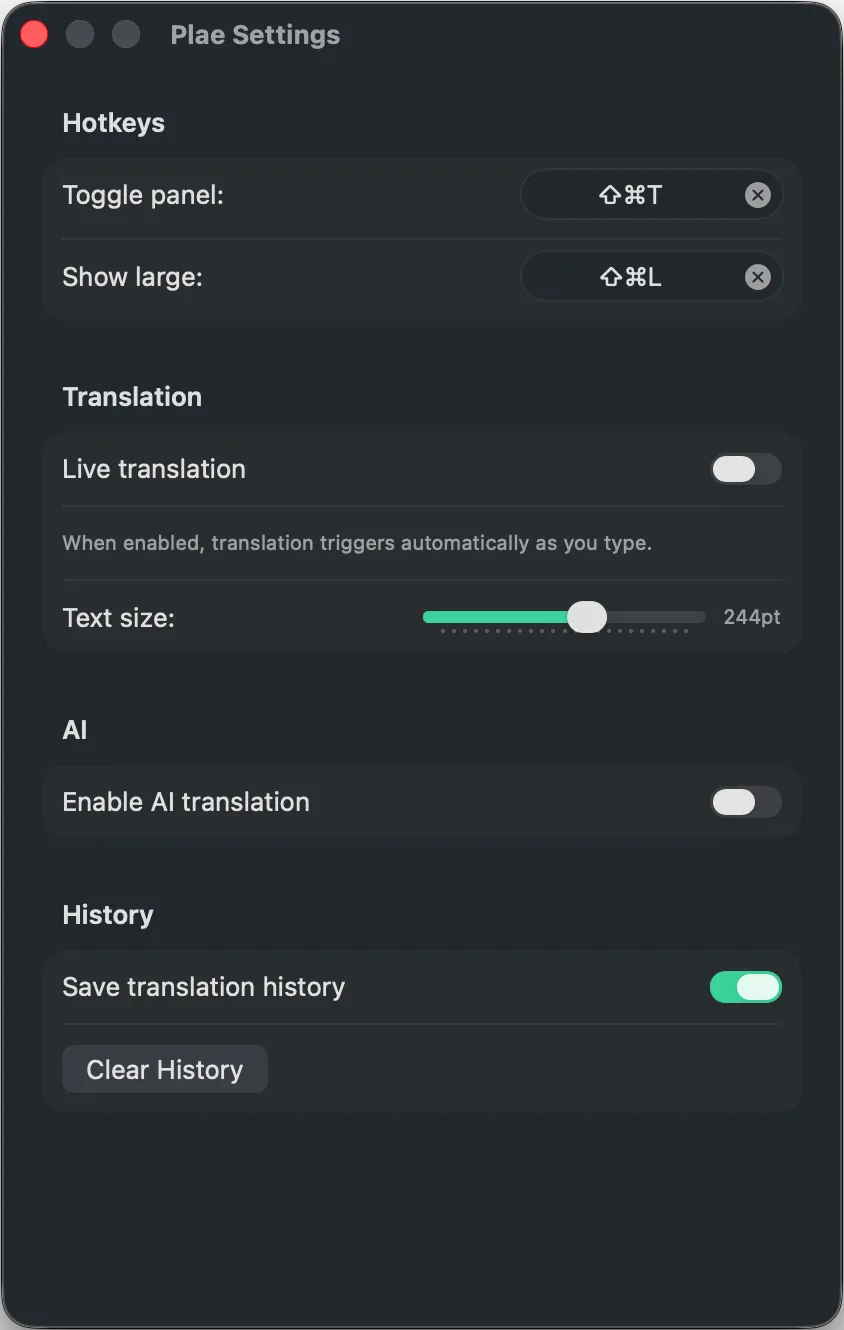
Apple Intelligence
For when the basics aren't enough. Apple Intelligence understands context better and handles more languages.
- More languages than Apple Translation
- Better with slang and nuance
- Requires macOS Tahoe and Apple Intelligence turned on
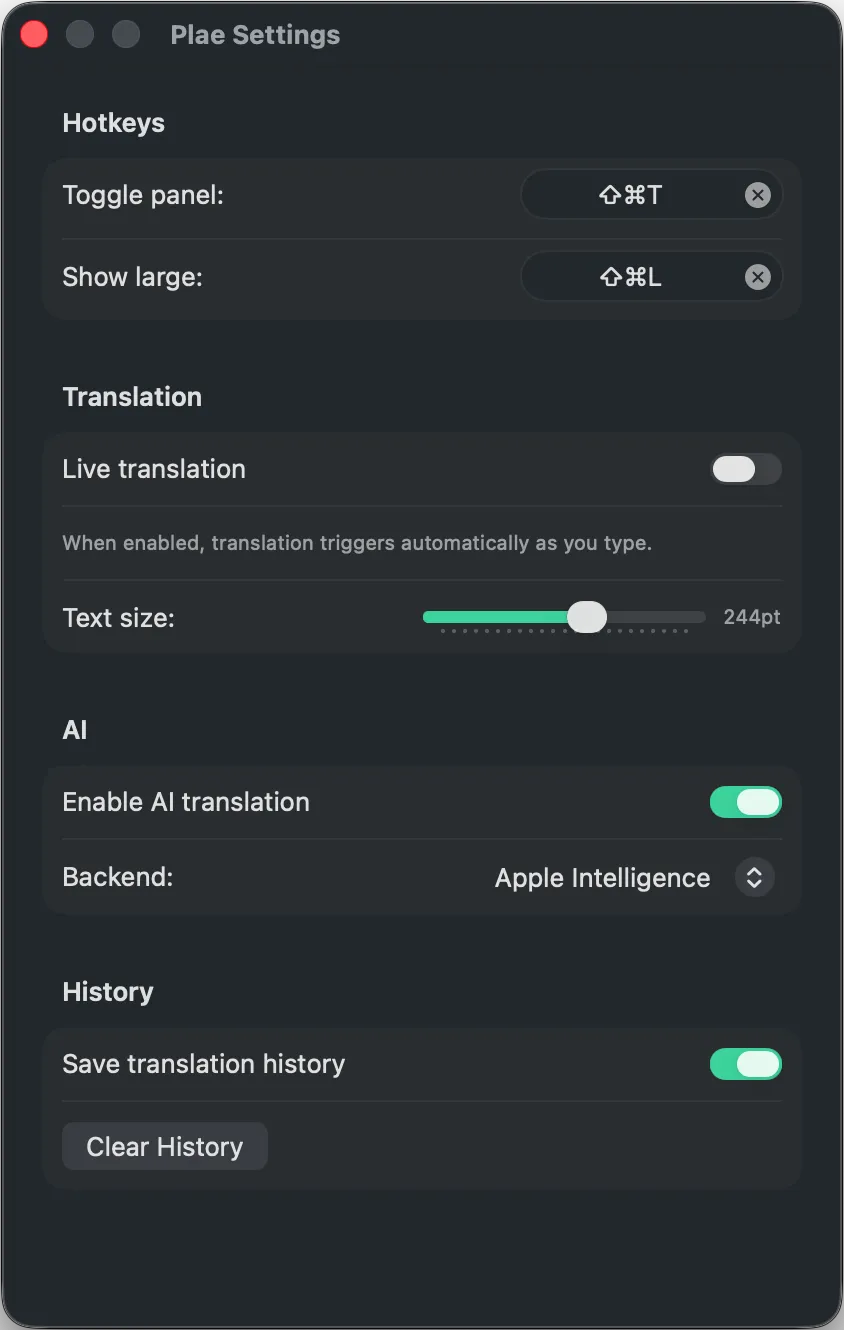
Built-in AI model
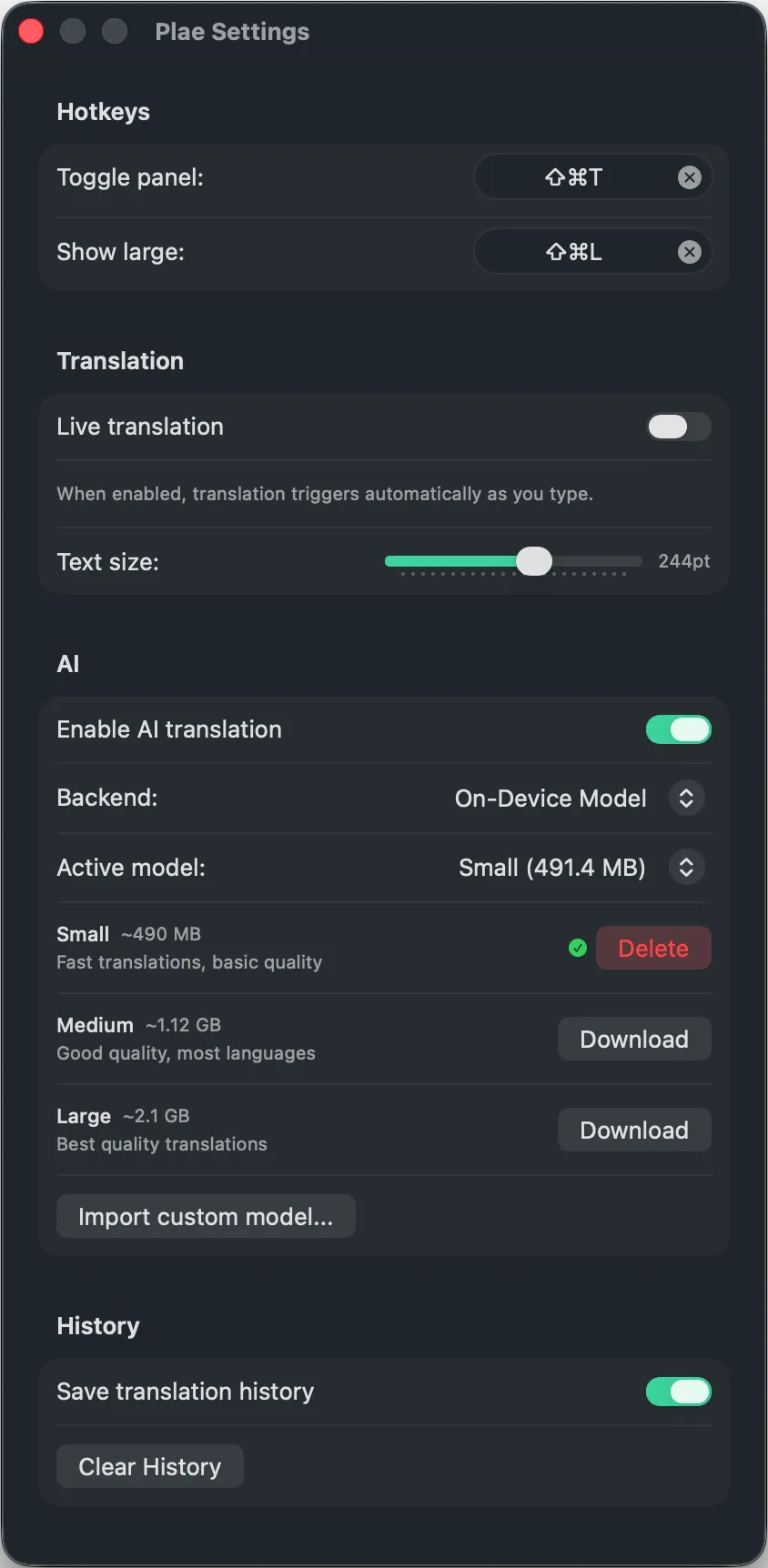
No Apple Translation? No Apple Intelligence? No problem. Plae ships with its own AI, downloadable with one click. Powered by Google's TranslateGemma running locally via llama.cpp.
- Pick a 4B, 12B, or 27B model — 55 languages
- Download once, use forever, fully offline
- Works on any Mac, no Apple features required
Every word stays on the machine
Everything happens locally. Apple Translation, Apple Intelligence, or the built-in AI model, nothing leaves the computer. No servers. No databases. No way to see what's being translated.
Runs on-device
Translation runs locally. Text never leaves the machine.
Zero data collection
No analytics, no telemetry, no accounts. Nothing is tracked.
No internet needed
After a one-time language pack download, everything works offline. On a plane, in a cabin, wherever.
19 languages out of the box
These work with Apple Translation, the fastest option. Download the language pair once and it works offline forever.
Need a language that's not on this list?
Switch to Apple Intelligence or the built-in AI model in settings. They can handle languages beyond what Apple Translation supports.
Made for daily use
For people who speak more than one language, day to day.
Multilingual couples and families
Type something, show the screen, keep the conversation going.
International teams
Double-check a message before sending it, or put the translation up on screen for a teammate.
Shared spaces
At a hotel front desk, a coworking space, or a hostel. Turn the screen around and point.
Expats and language learners
New country, new language. Plae is always a shortcut away.
One shortcut away
Cmd+Shift+T from any app. No digging through menus.
Big screen mode
Blow up the translation full-screen. Readable from across the room.
Translation history
The last 20 translations are saved automatically. Star any to keep them permanently.
Works offline
Everything runs on-device. No internet needed after initial setup.
Fast
Apple Translation returns results instantly. The AI options take a few seconds.
Swap languages
One tap to flip source and target. Conversations go both ways.
Free trial
Try Plae free for 7 days
The full app, no limits, no account needed. Just download and start translating.
Download the trial
Grab the DMG from this page. Drag to Applications. No sign-up, no email, no credit card.
Use it for 7 days
Full access to everything — all translation engines, presentation mode, history, shortcuts. No limits.
Like it? Buy it.
Get Plae on the Mac App Store for $4.99, one-time. Don't like it? Just delete the app. No strings.
macOS Sequoia or later · No sign-up required
What to expect
Pricing
Pay once, it's yours. No subscription, no upsells, no account needed.
Download on the Mac App StoreEverything included:
Requires macOS Sequoia or later